
Every expense together
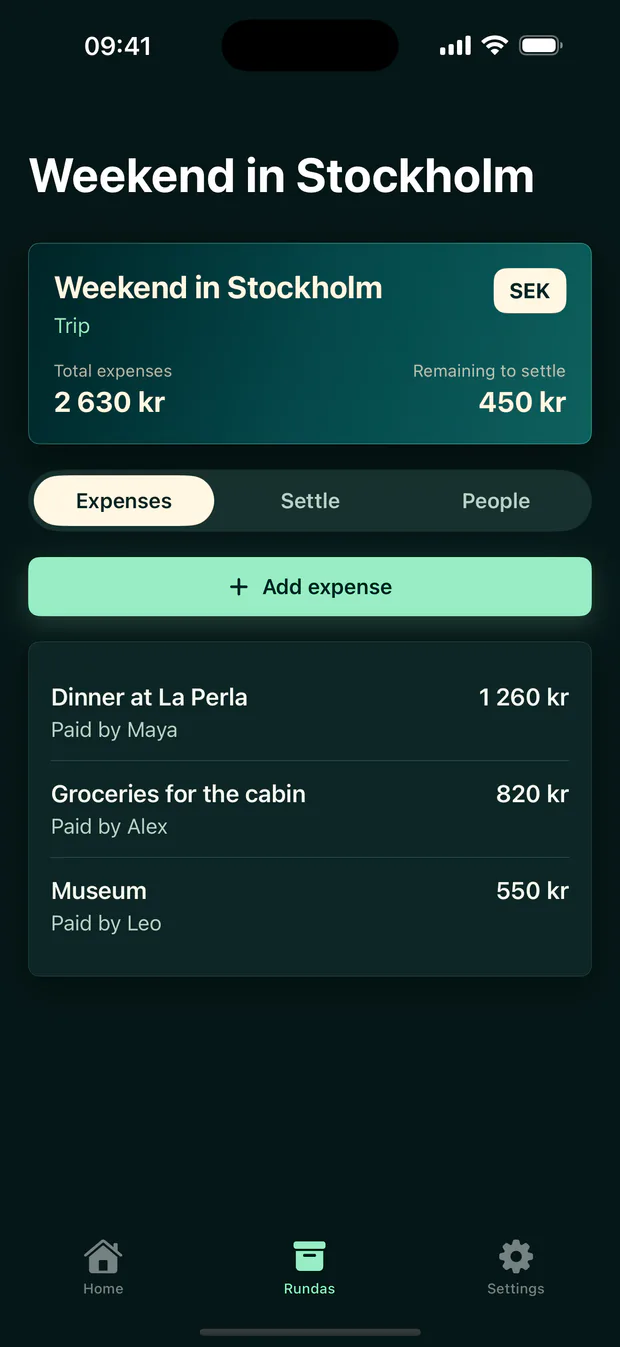
See what the group has spent at a glance
Add expenses manually or photograph a receipt. Everyone sees the same amounts, payers, and history.
 Runda
Runda
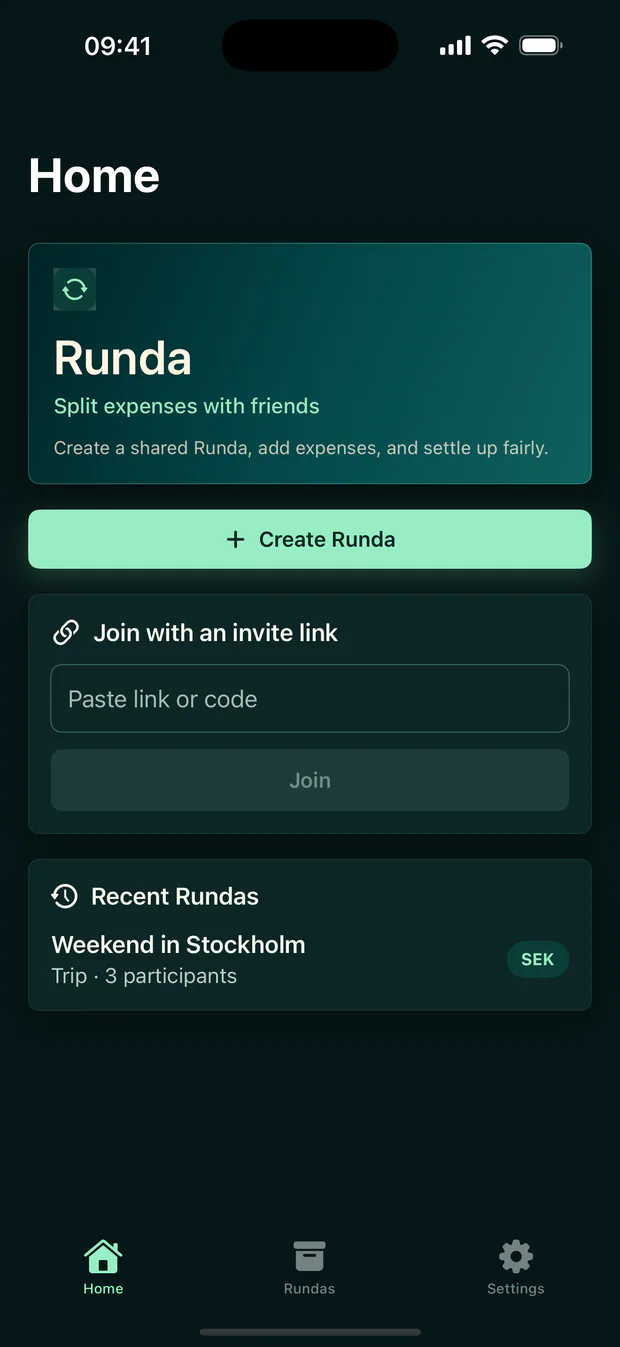
Shared expenses for trips, dinners, and weekends
Runda keeps the group's expenses together, splits them fairly, and shows who should pay whom – so you can focus on the time you share.
From the first expense to the final payment
Runda keeps the flow simple even when the group's expenses are not.
Create a group or join through an invitation link. You do not need an account to begin.
Choose who paid and who shares. Photograph a receipt for suggested title, amount, and date.
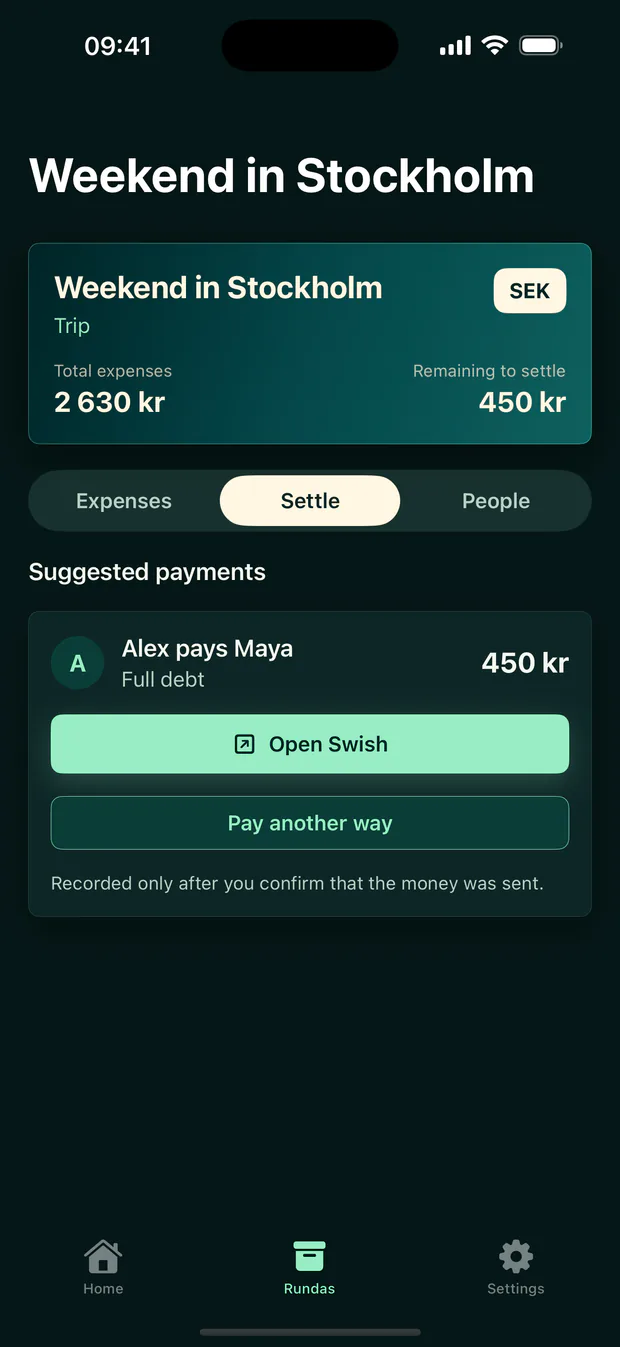
See who should pay whom. Open Swish or pay another way, and record it only after the money was sent.
Made for real groups
Every expense together
Add expenses manually or photograph a receipt. Everyone sees the same amounts, payers, and history.
When it is time to settle
Runda works out as few payments as possible and preserves the history when something needs correcting.
Clear from start to finish
Runda splits correctly even when the total does not divide evenly and shows the simplest route to balance.
Your receipt is interpreted locally on your device and never saved. You always review the suggestions before adding the expense.
Payments and corrections are visible to the group. A correction never erases the shared history.
Good to know
No. You can create and join Rundas as a guest. Save access with an account before changing devices or deleting the app, otherwise those Rundas may be lost on that device.
No. For debts in SEK, Runda can open a prefilled Swish payment. Runda records it only after you confirm that the money was sent.
The image and text recognition are processed locally on your device. The image exists only temporarily in memory and is neither uploaded nor saved by Runda.
Each Runda uses SEK, EUR, or USD. The prefilled Swish action is available only for debts in SEK to a valid Swedish Swish number.
Runda keeps it together
More time for the trip, the dinner, the weekend – and the people you share it with.